This user guide for getting an Access Token From Revel
Please Follow up on the Steps :
From the Home Page go to Setting
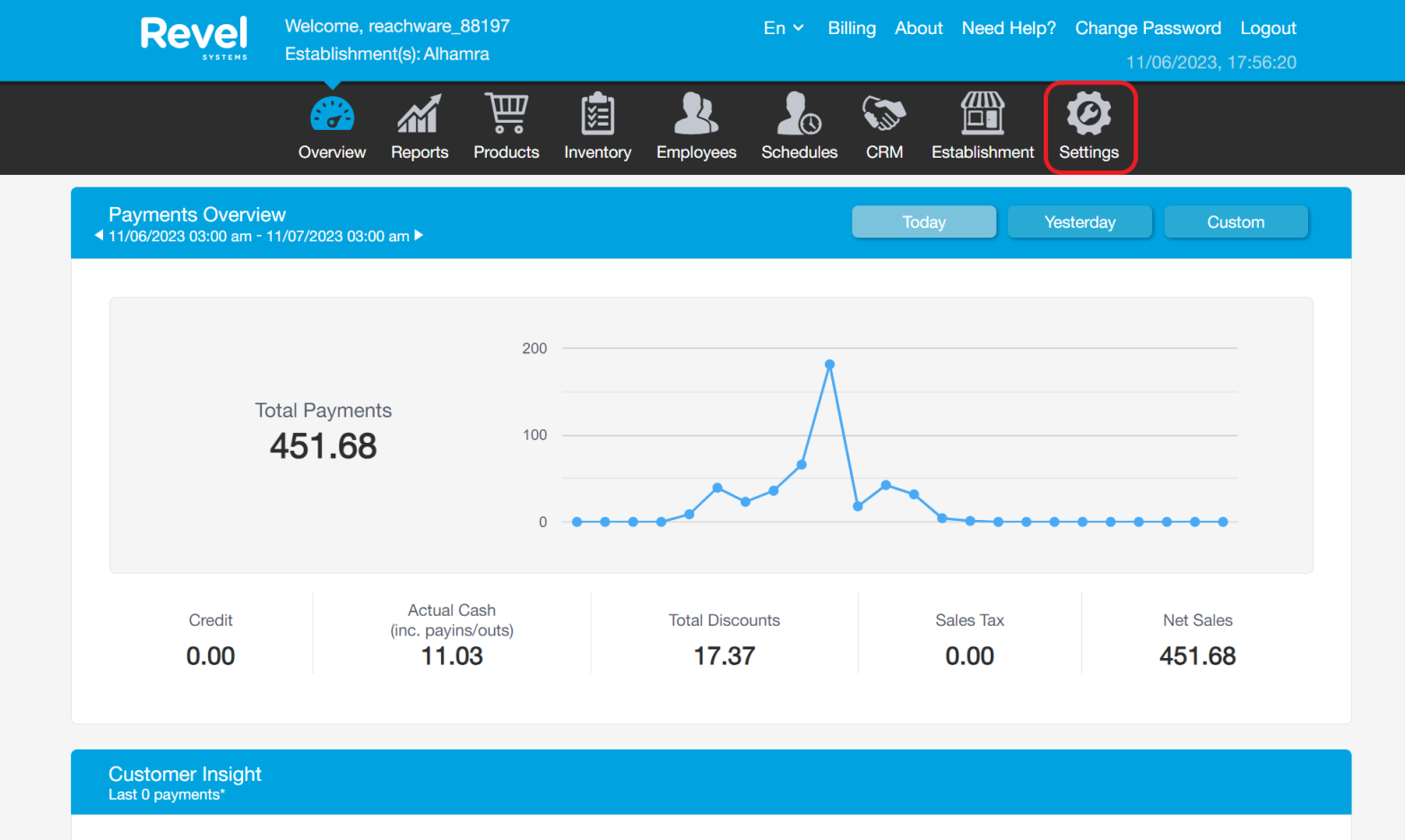
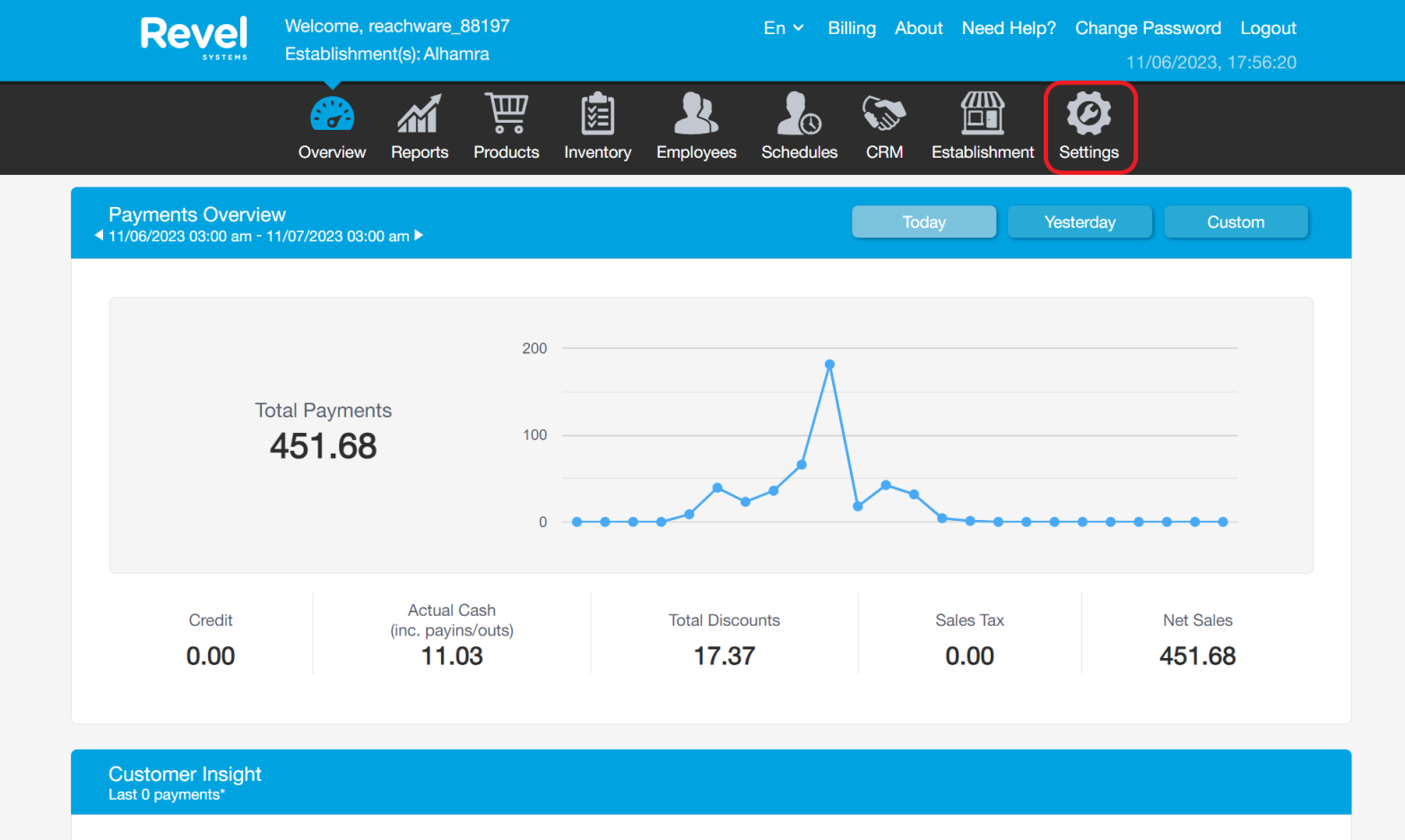
Search with “ API” → Revel API Key → Create New
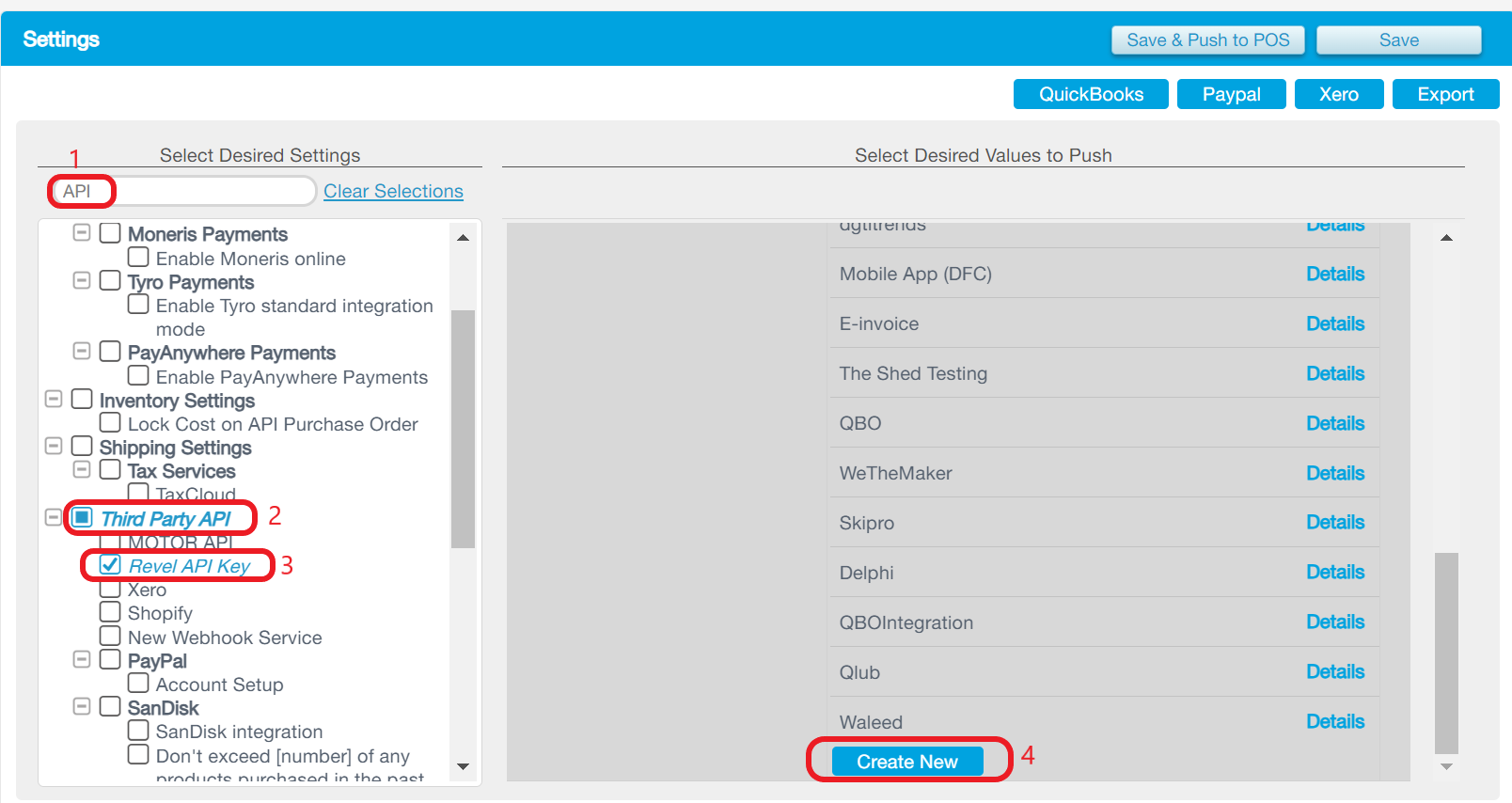
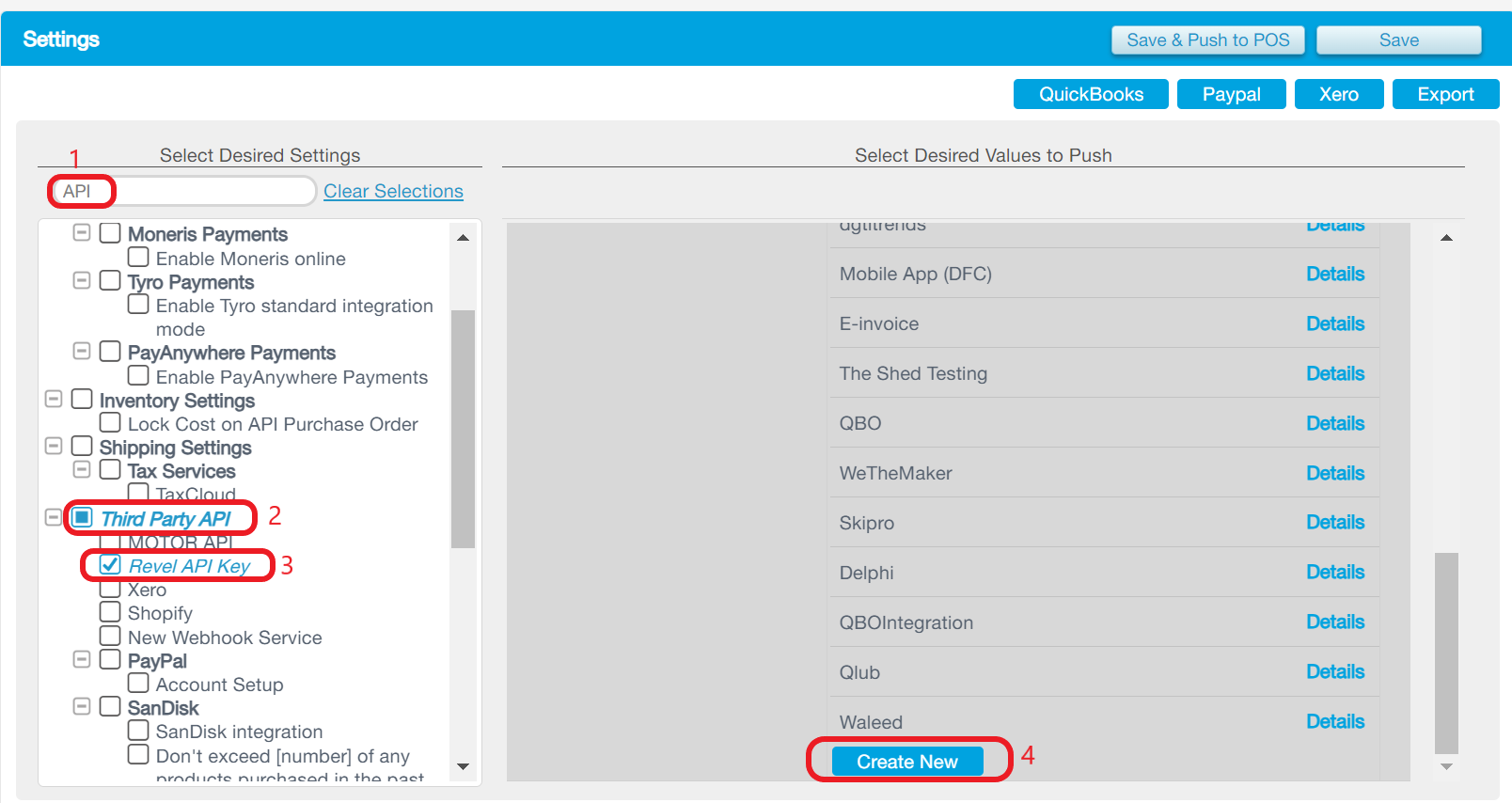
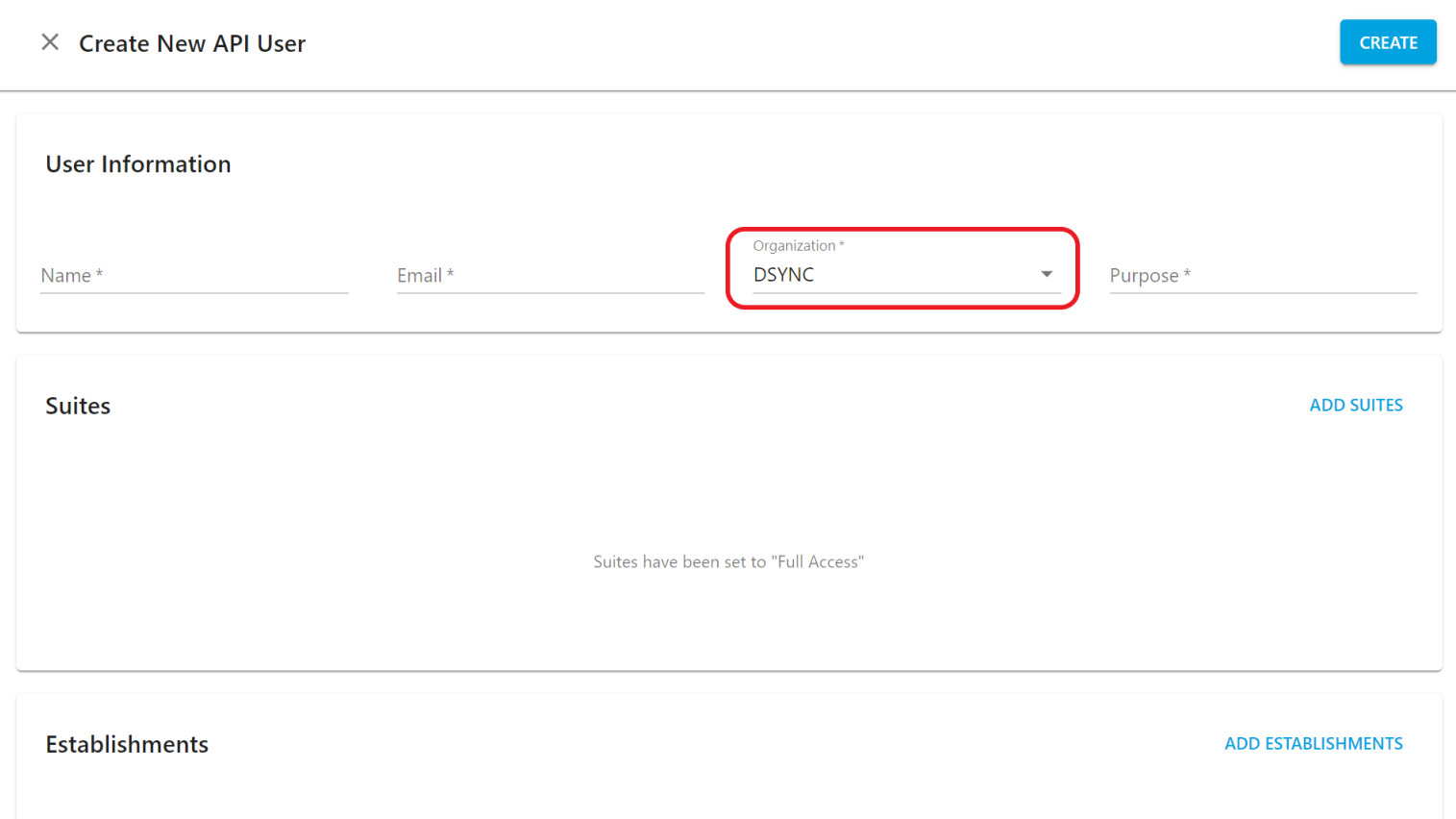
Click on Add and Enter your name and email, choose the organization as shown in the below picture, and write the purpose.
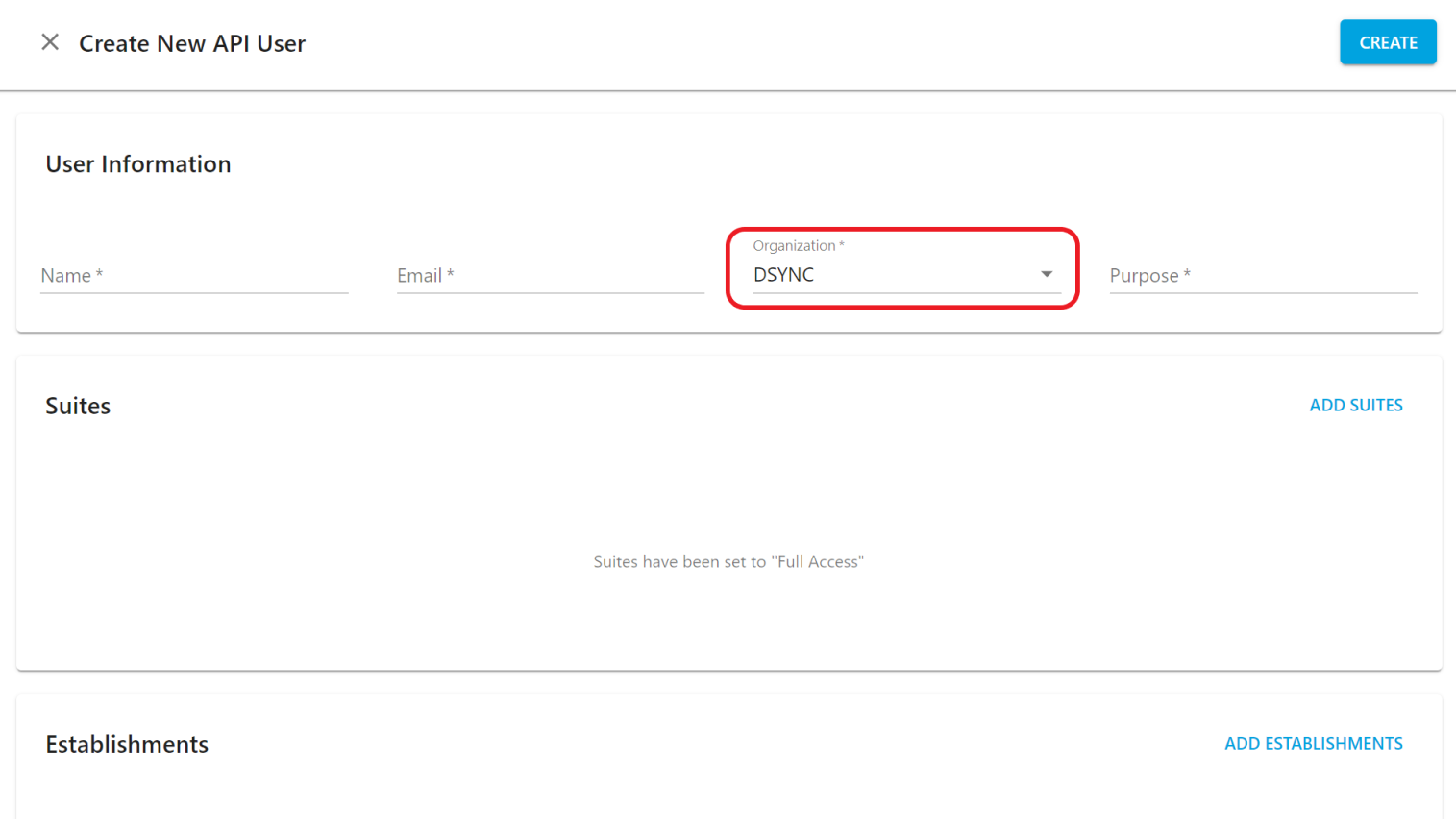
After pressing create, it will be shown as below picture Press “ show “ to get the Key and Secret


Was this article helpful?
That’s Great!
Thank you for your feedback
Sorry! We couldn't be helpful
Thank you for your feedback
Feedback sent
We appreciate your effort and will try to fix the article