Creating an account in Reachware support portal
First please navigate to https://reachware.freshdesk.com/support/home :
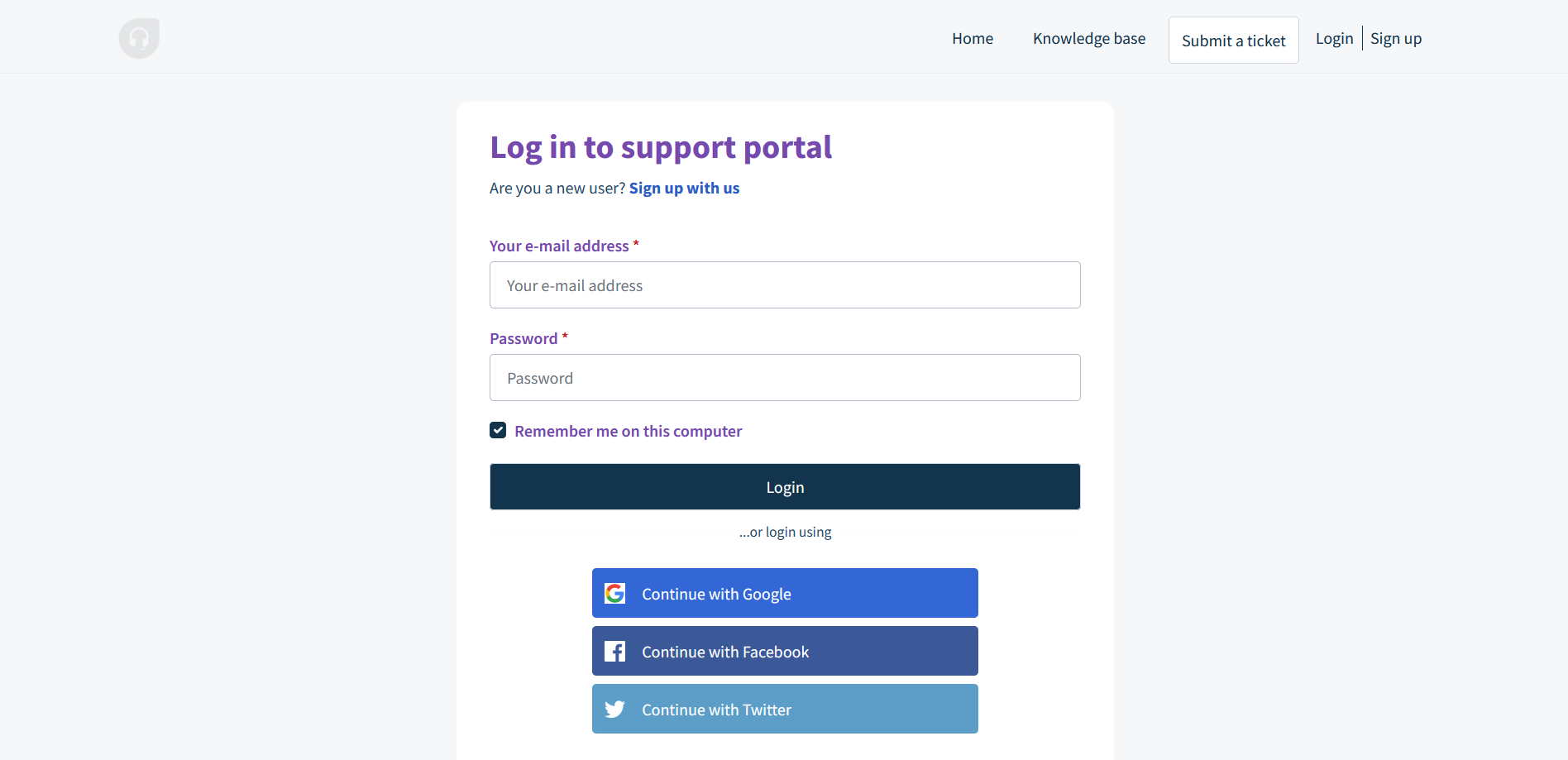
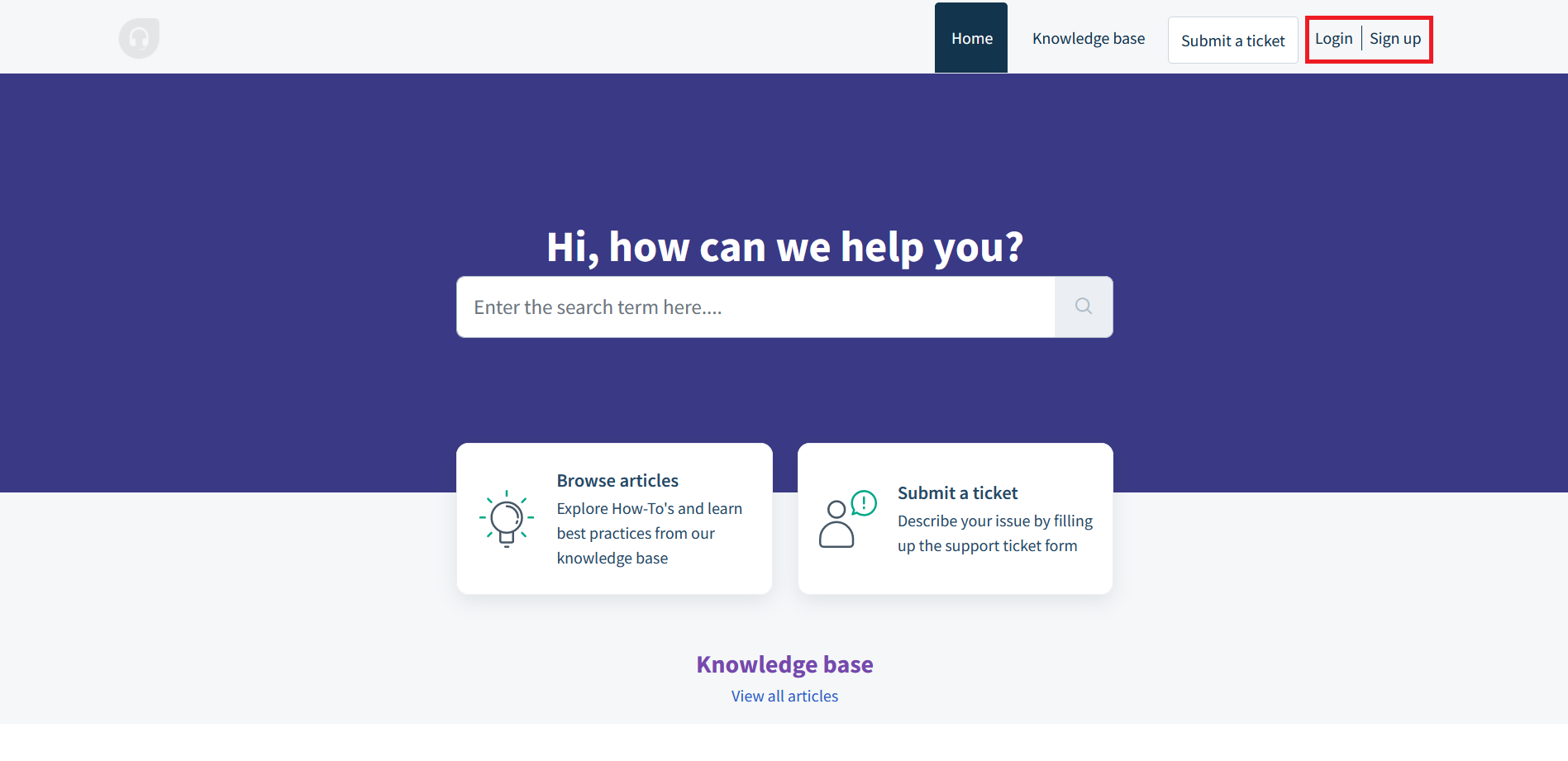 Registered users can click on Login in the upper-right corner of the customer portal.
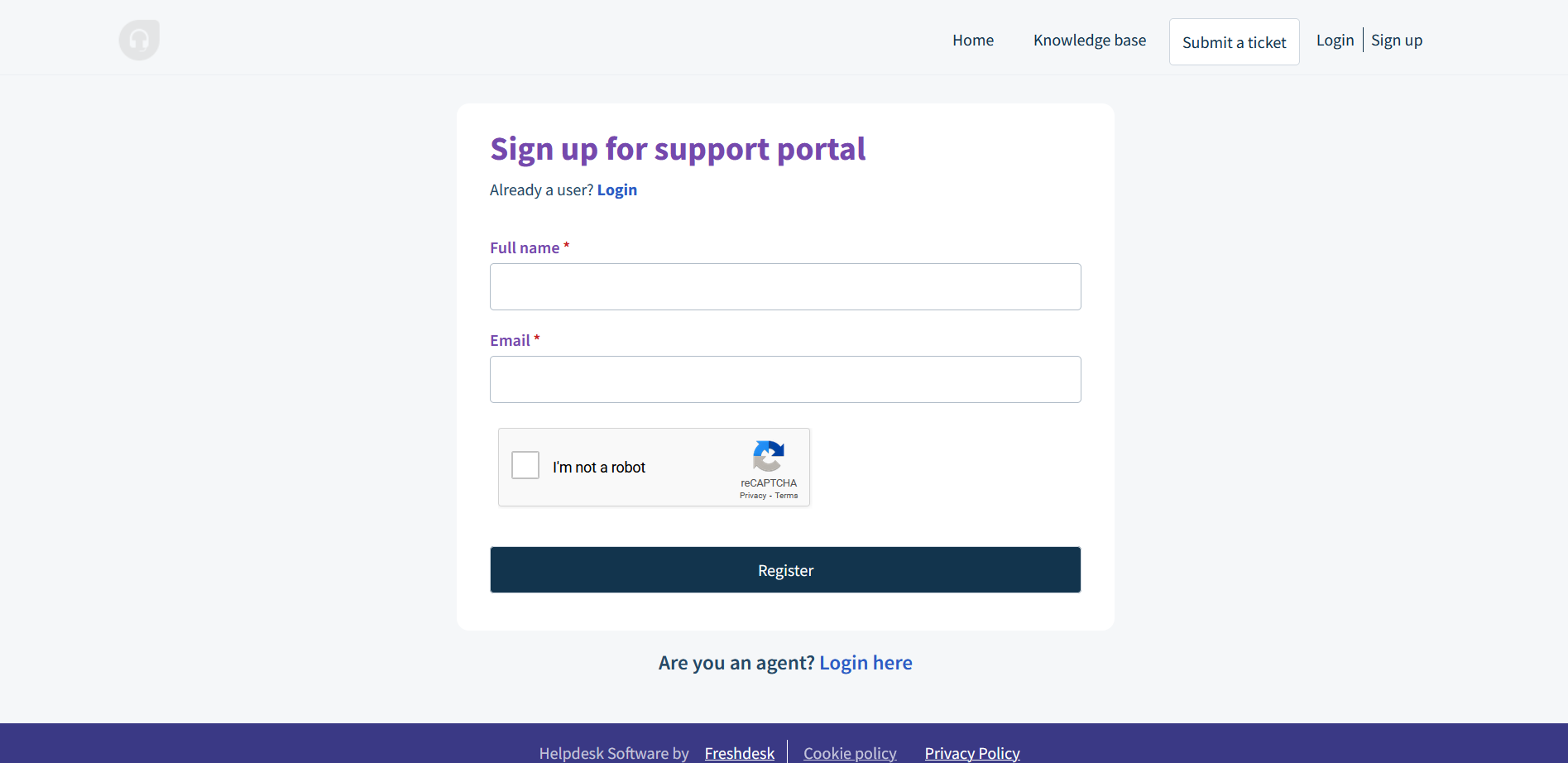
A new user can create an account by clicking Sign up in the upper-right corner of the customer portal:
How To Create Support Tickets On The Customer Portal
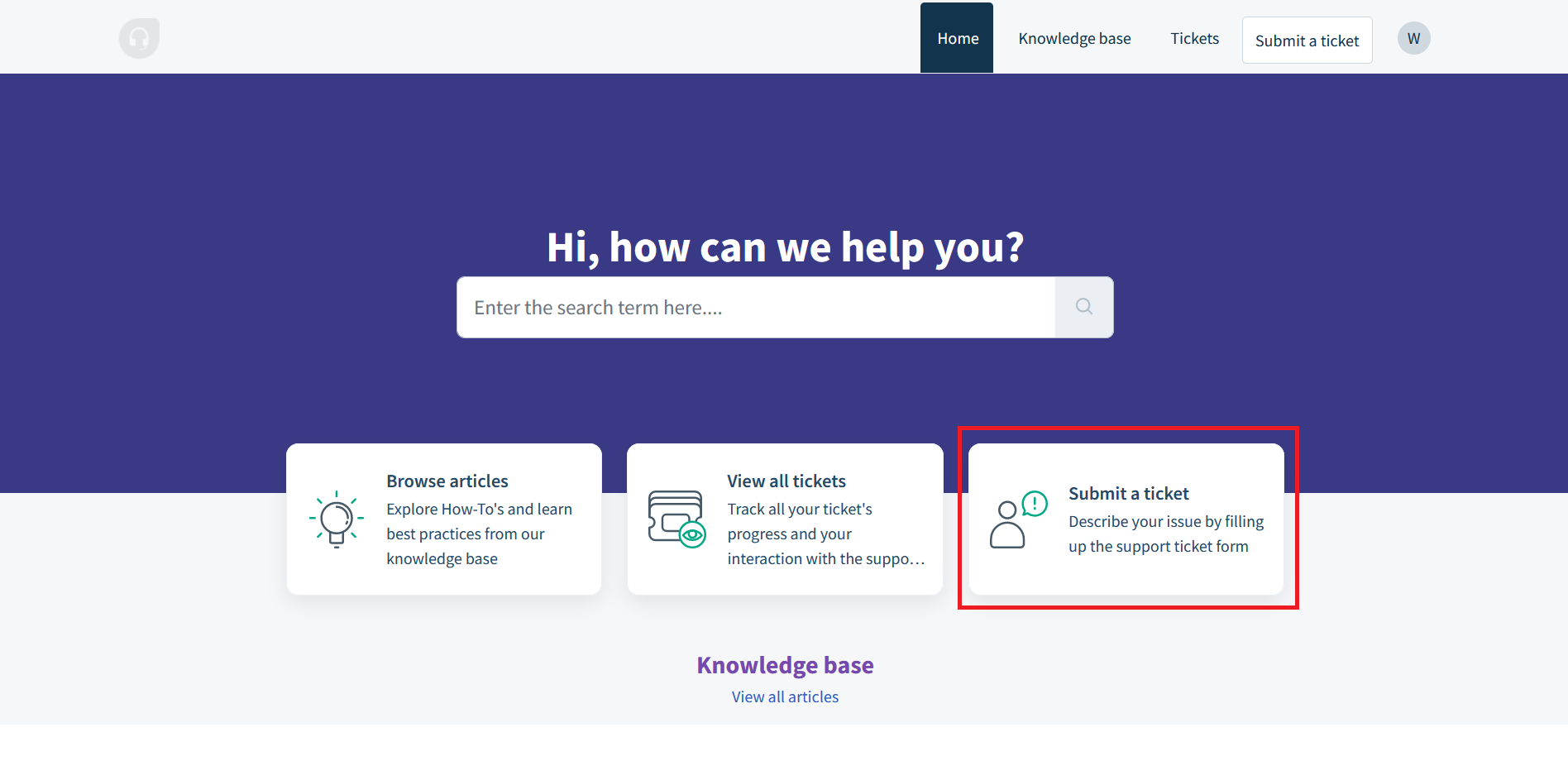
First click on submit a ticket on the Home page:
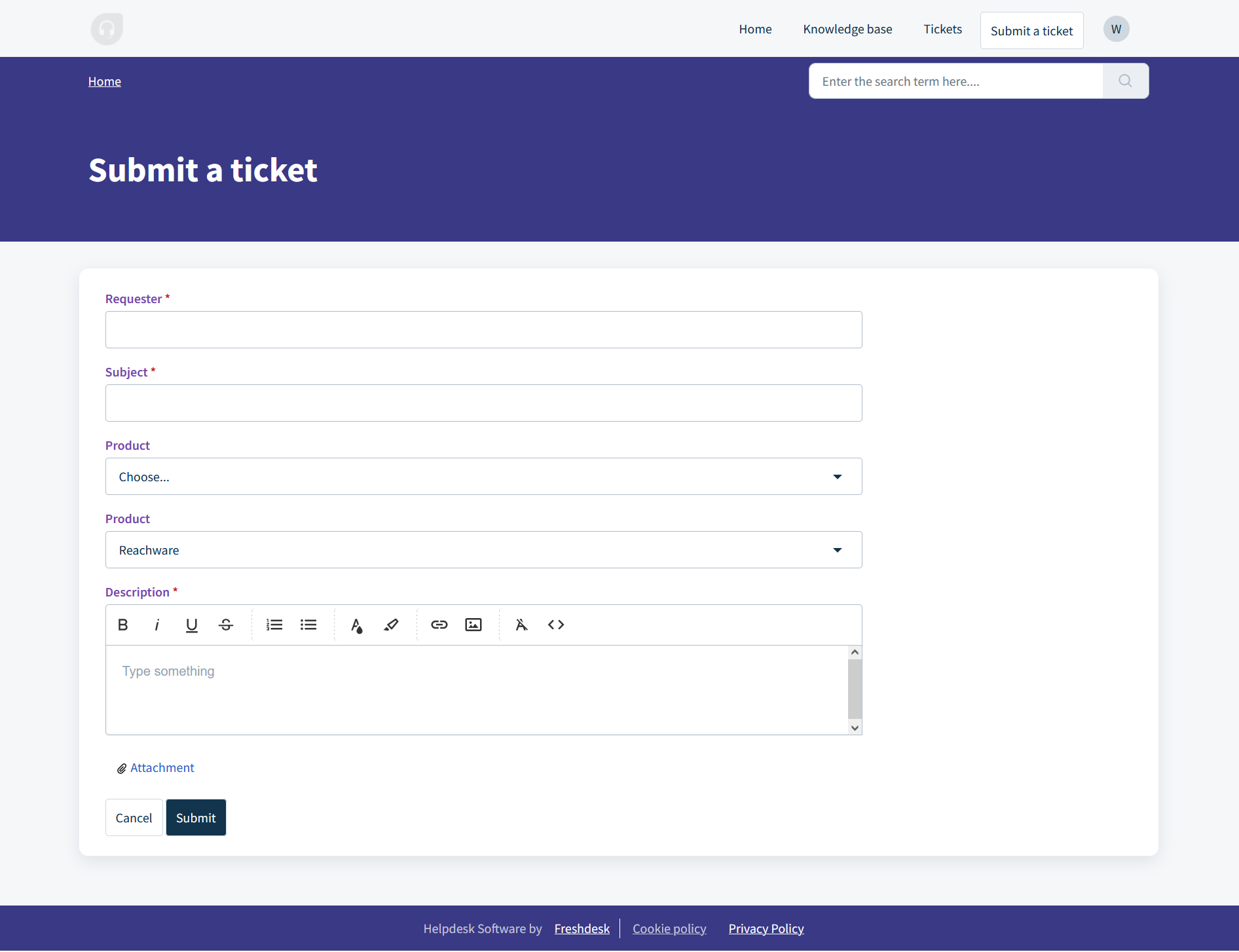
Then kindly fill the required information in the ticket form:
Was this article helpful?
That’s Great!
Thank you for your feedback
Sorry! We couldn't be helpful
Thank you for your feedback
Feedback sent
We appreciate your effort and will try to fix the article