
General Handlers
General Handlers in Studio are predefined functions used to apply logical conditions, extract data, and handle system variables during the mapping process. These handlers help you make decisions, validate data, and control the flow of information between systems.
General Handlers provide essential logic and control functions that allow you to:
- Apply conditional logic (If / ElseIf)
- Extract specific values from complex objects
- Handle empty or missing data gracefully
- Make decisions based on multiple conditions
Accessing General Handlers
Click on any destination field in the mapping panel
A pop-up window opens titled "GENERAL HANDLERS"
You'll see two sections:
- Handlers — Available functions (If, ElseIf, IsNull, JS)
- Keywords — Special values (true, false, null, undefined, ignore)
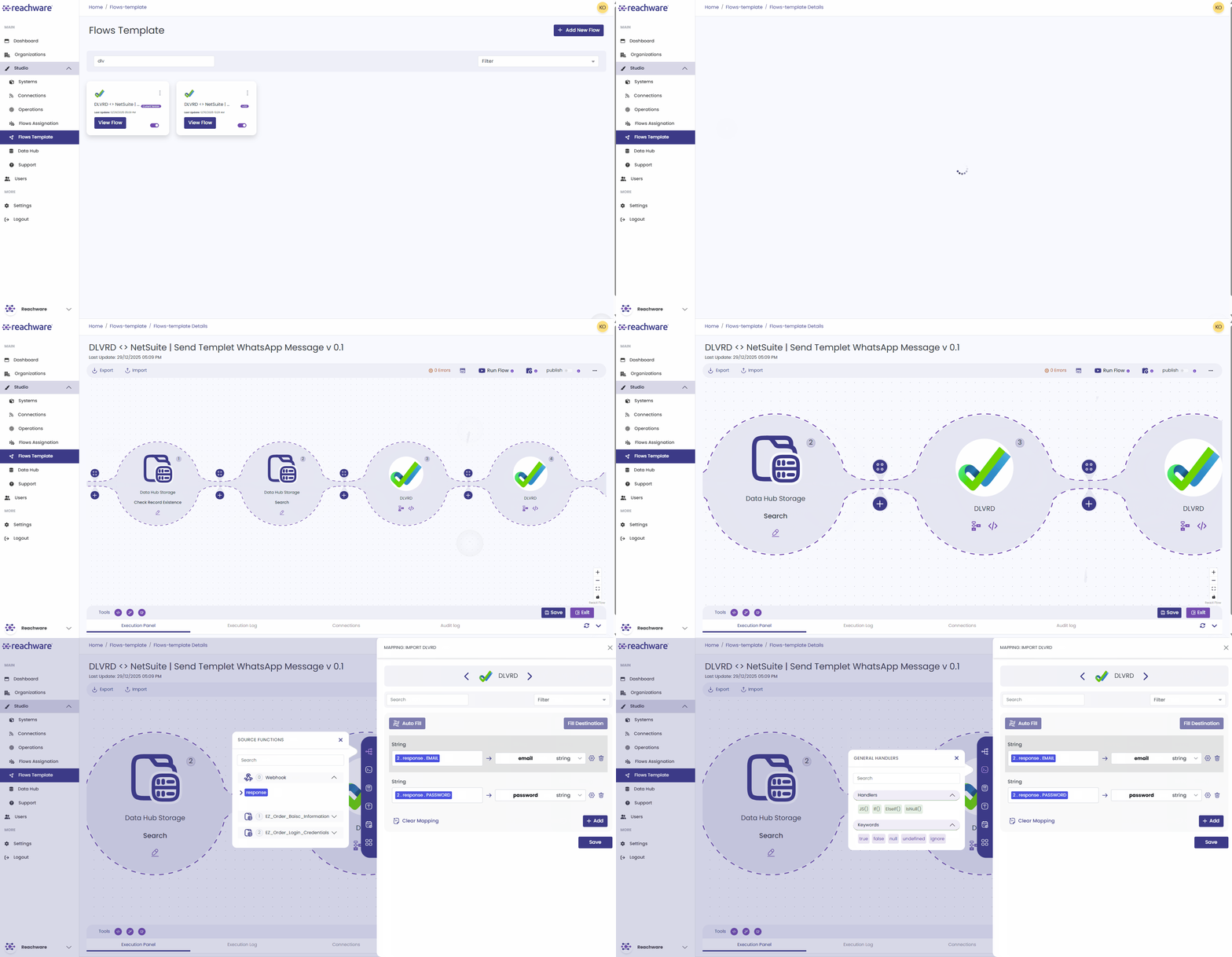
Available General Handlers
JS()
Returns the value of a JavaScript expression. Allows you to use JavaScript code within your mapping for complex transformations, calculations, or data manipulation.
Example
If()
Returns value1 if the condition evaluates to true; otherwise returns value2.
Example
Keywords
General Handlers include special keywords that represent specific values:
| Keyword | Description | Example |
|---|---|---|
| true | Boolean true value | If({{is_active}} == true; "Yes"; "No") |
| false | Boolean false value | If({{is_deleted}} == false; "Active"; "Deleted") |
| null | Represents no value | If(A == null; A; B) |
| undefined | Represents undefined value | If({{var}} == undefined; "Not Set"; {{var}}) |
| ignore | Skip field mapping entirely | If({{status}} == "draft"; ignore) |
Related Topics