
Version History
Versioning in Studio allows you to save multiple versions of your integration flow. Each version acts as a snapshot of your flow at a specific point in time, making it easy to track changes, manage updates, and refer back to previous work whenever needed. For example, you can:
- Save an initial version after creating the flow for the first time.
- Save a new version after completing a set of updates.
- Continuously enhance your flow over time while keeping a clear history of changes.
Versioning key benefits
Historical Review
You can always go back to a previous version and review earlier implementations.
Progress Tracking
Helps you clearly see how your flow has progressed where it started and how it evolved over time.
Secure Backup
Your work is safely stored, even in case of system updates or unexpected changes.
How to Create a Version?
Saving a version is simple. Follow these steps:
From Studio, navigate to Flows Template.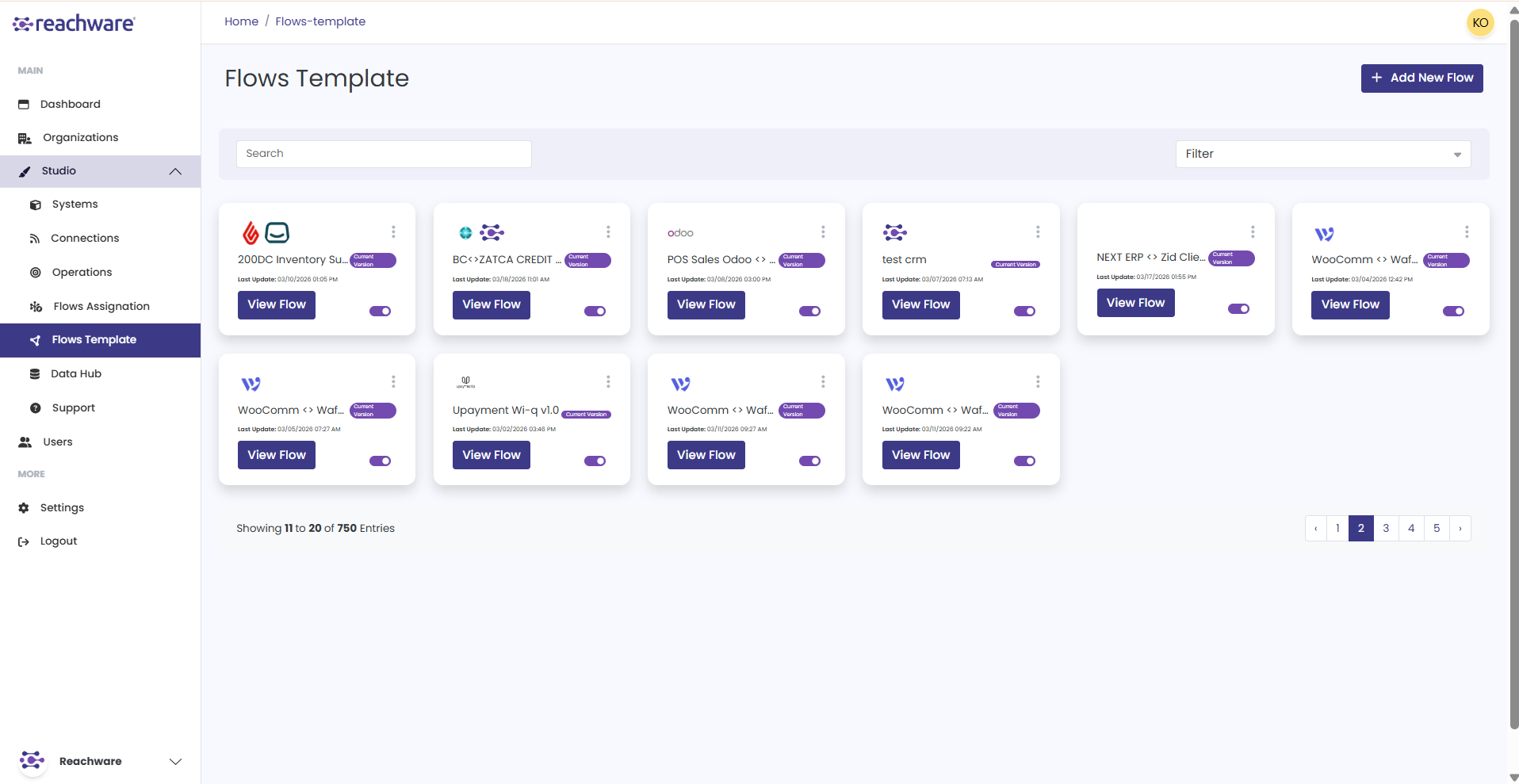
From the card, you can see the version you are currently using.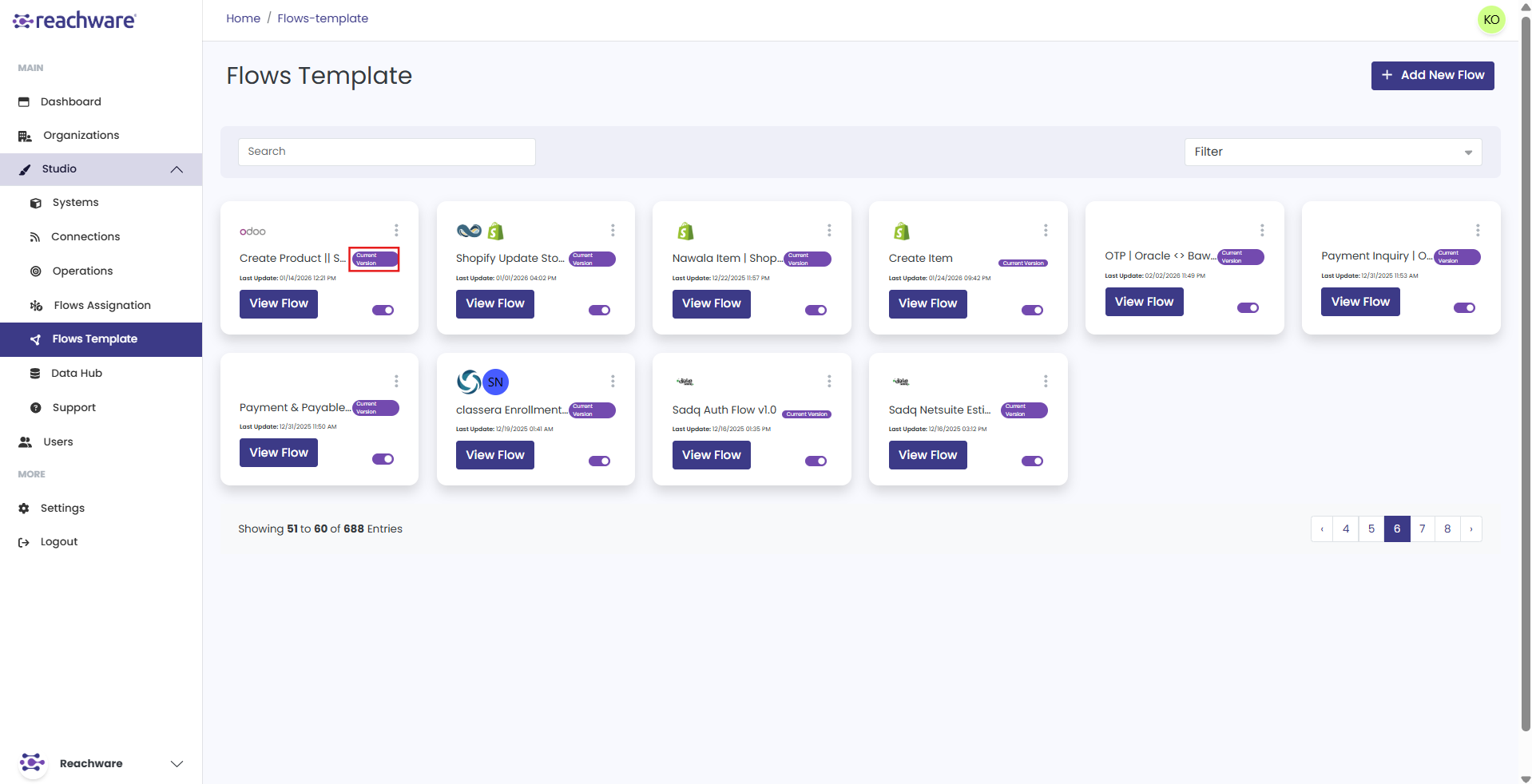
Select View Flow.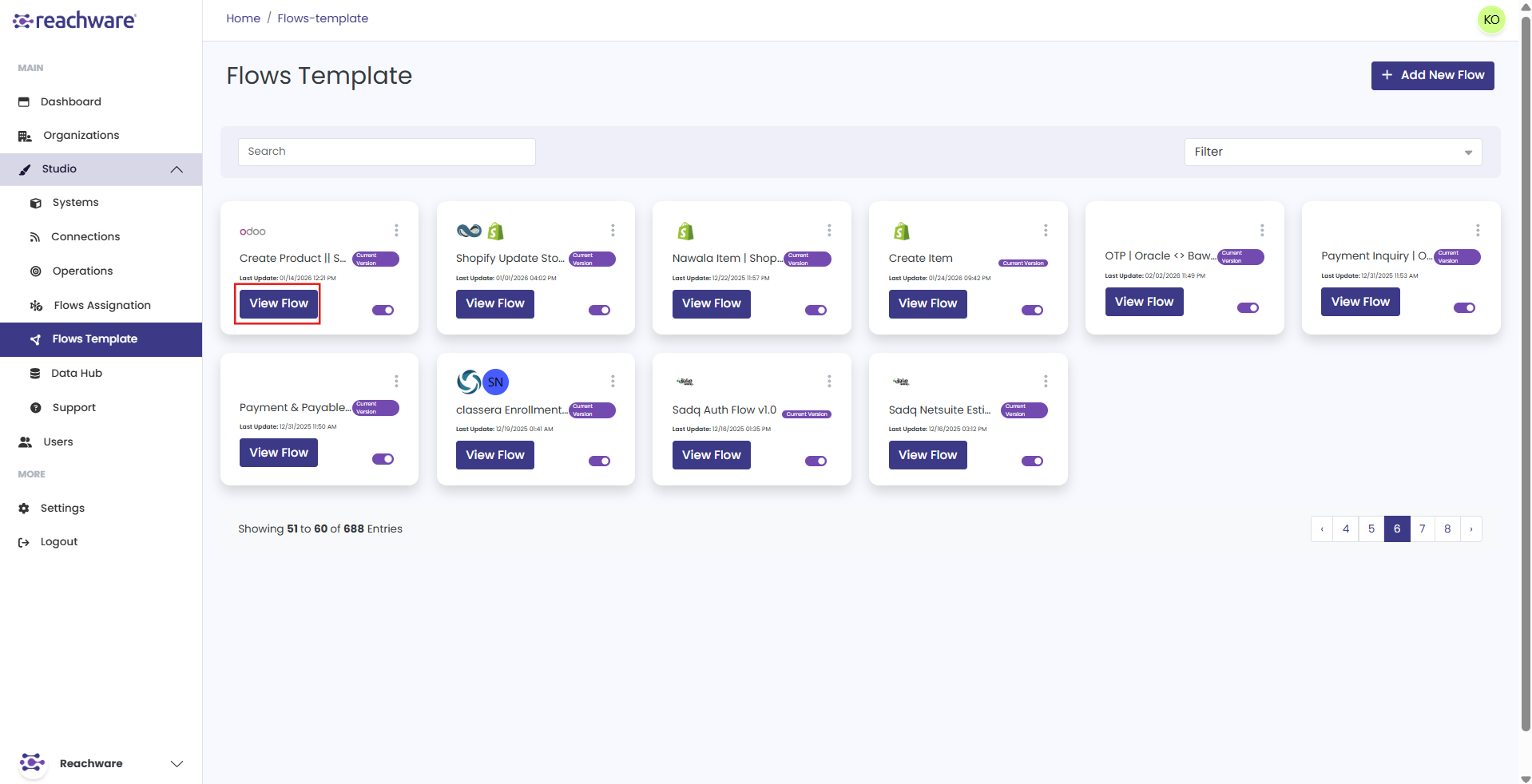
Click the three-dot menu in the top-right corner.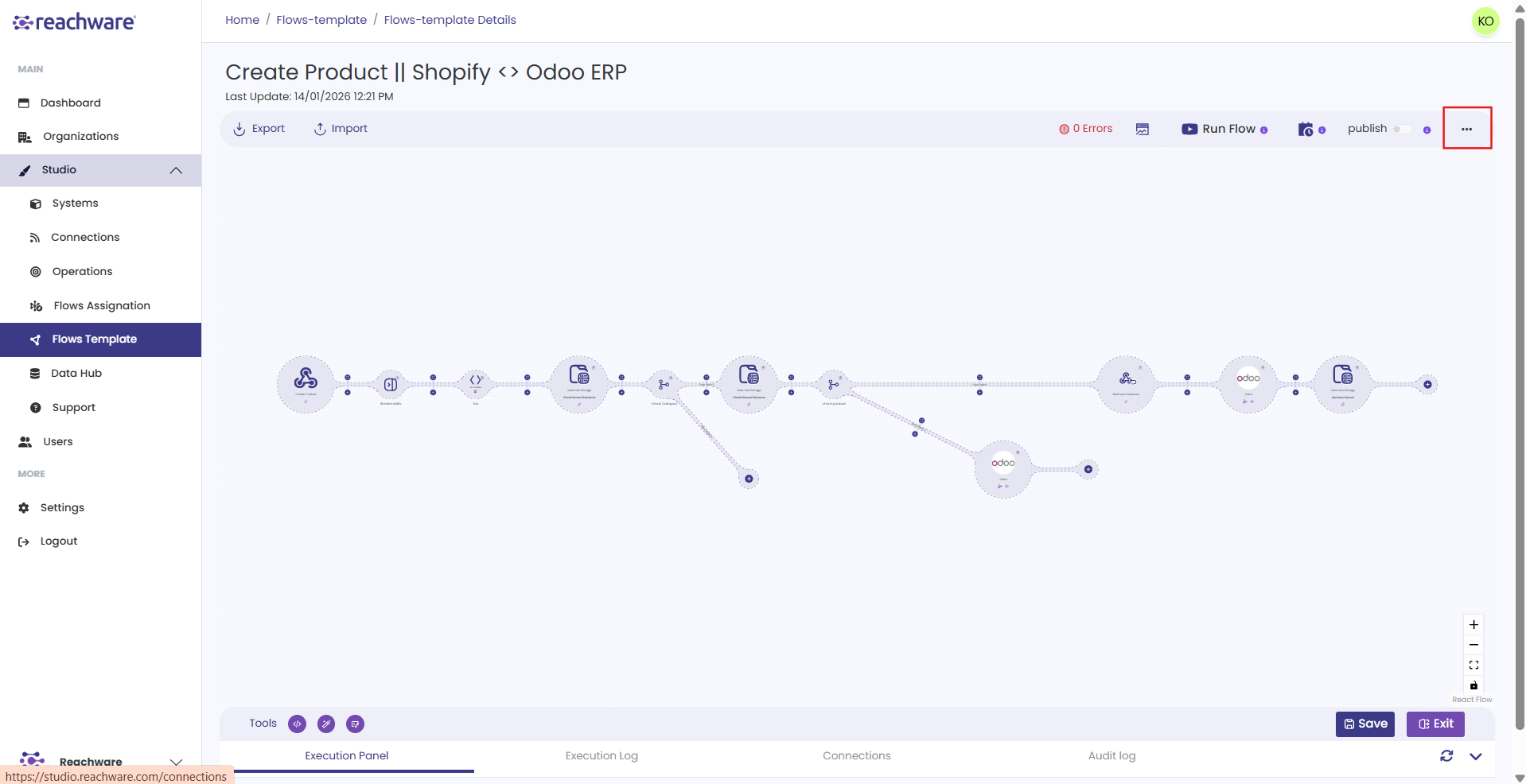
Select Version History.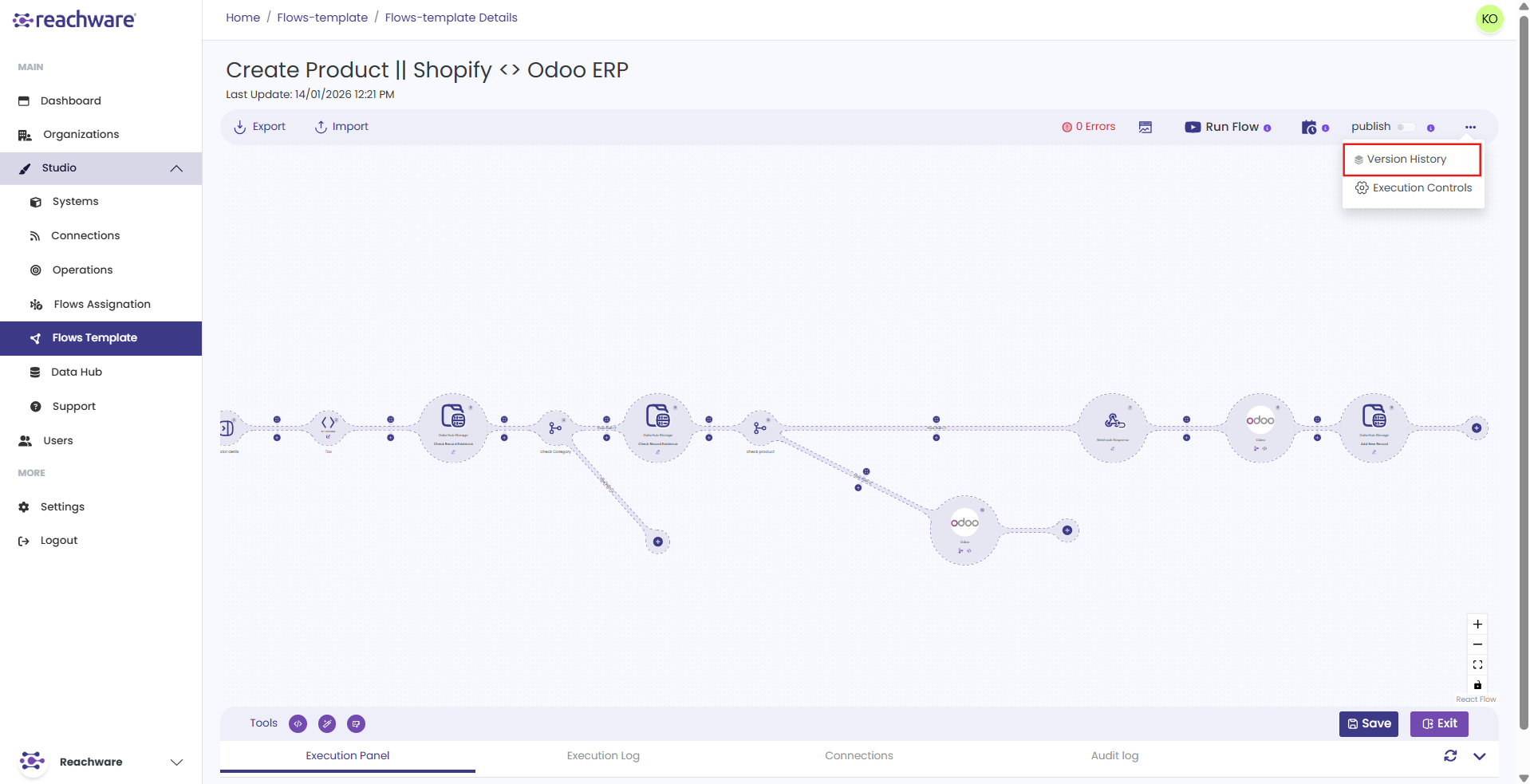
The Version Control panel will appear, displaying all previously saved versions.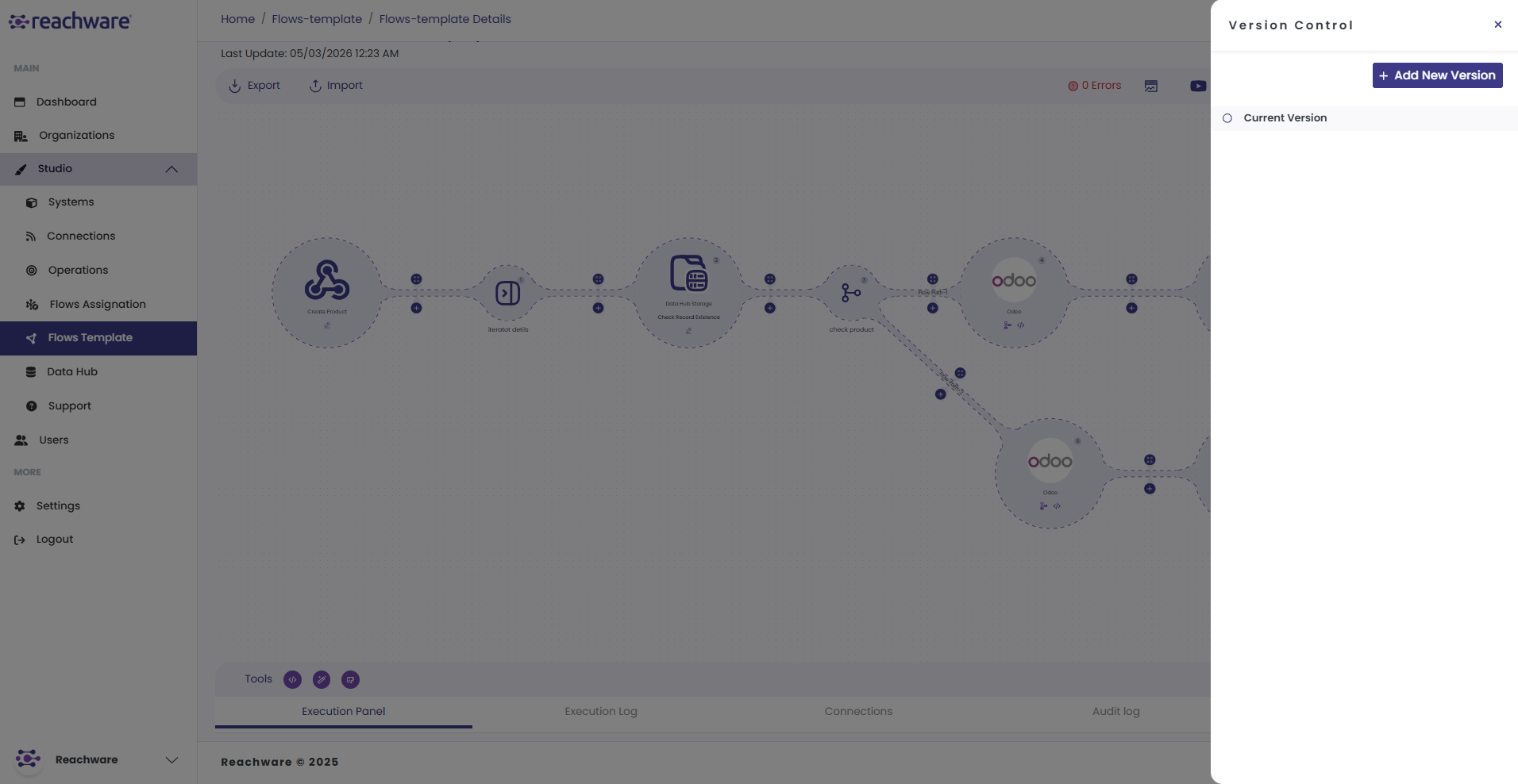
Click Add New Version.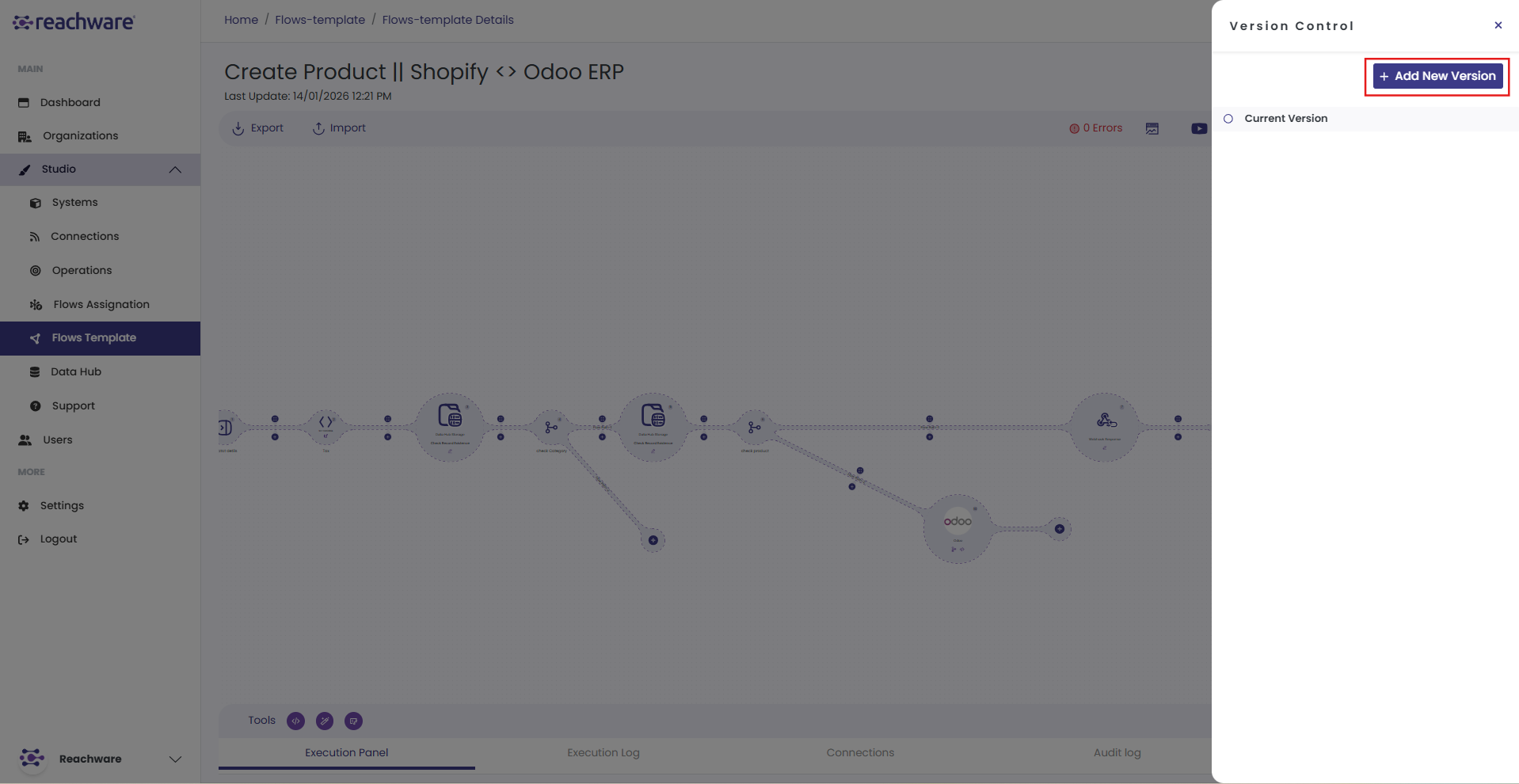
Enter a Version Name and a Description explaining the updates made in this version.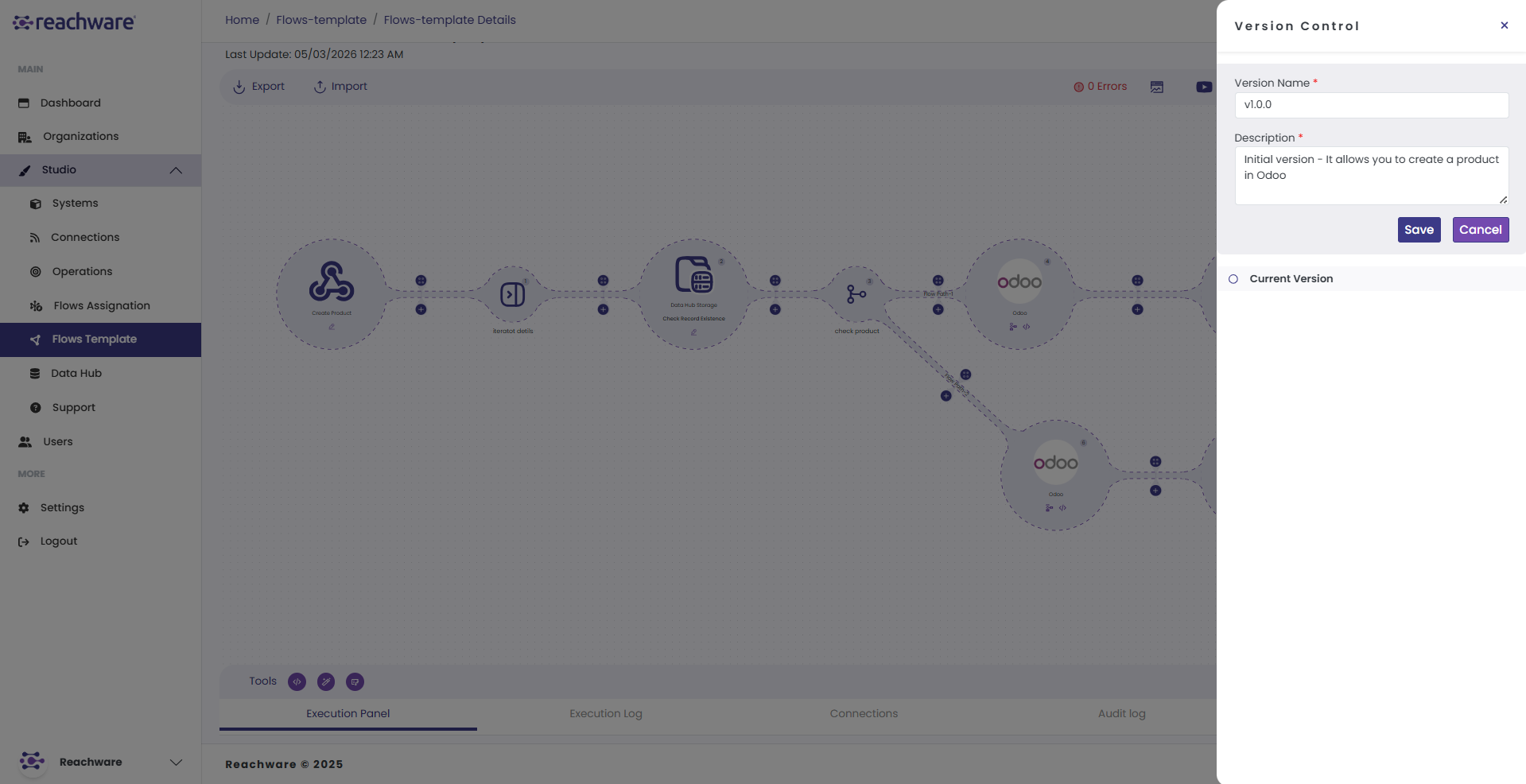
Click Save. Your new version is now successfully saved and available in the version history.
Semantic Versioning
Use Semantic Versioning for consistent and meaningful version naming. A version number follows this format:
| Number | Type | When to change | Example |
|---|---|---|---|
| First | Major | Big update or complete redesign of the flow | v1.0.0 → v2.0.0 |
| Second | Minor | New feature added or existing feature improved | v1.0.0 → v1.1.0 |
| Third | Patch | Small fix or bug correction | v1.1.0 → v1.1.1 |
Related Topics